Sub Category: Login Page & System Config: UserTimeouts
In the category allows to mange the idle time and set different timeouts for user sessions based on the user type in Minutes.
There are 8 user types config to mange the timeout
1. Administrator & Consultant:

2. Trade

3. In house

4. Sales Rep

5. Retail

6. Key Account Manager

7. Tele Sales

8. News Only
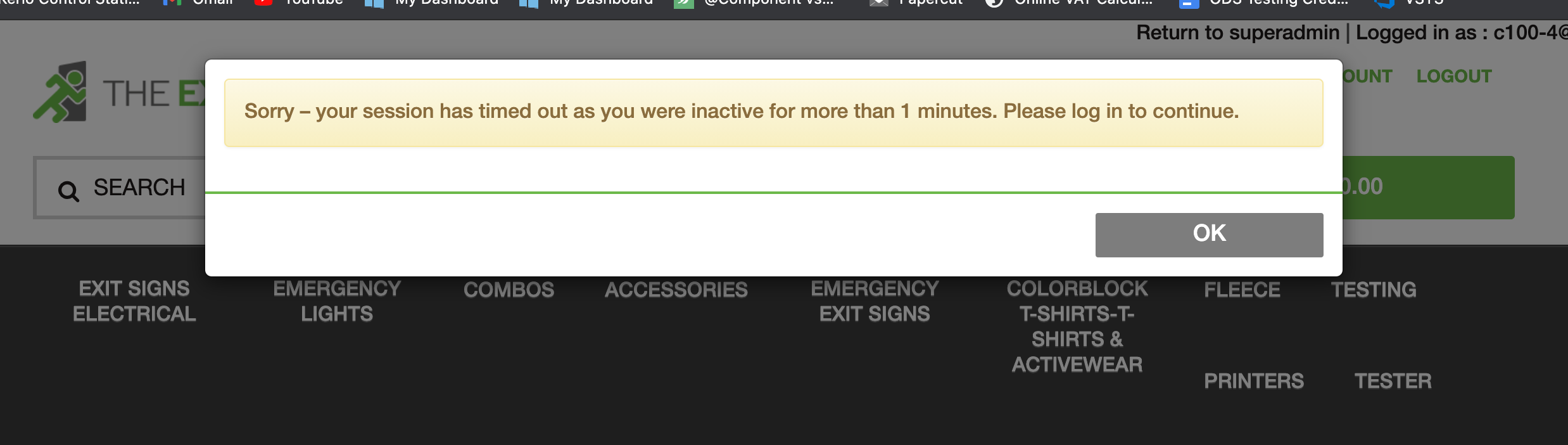
If the user has been idle for the allotted time then a popup will display over the website page, if they then click OK or they refresh the page, they will be asked to re-login it to access their account.
Sub Category: Login Page & System Config: RedirectAfterLogin
This category allows you to mange where users are redirected after they login.
1. Redirect Page: In this config you can set either Home, LastVisited or HomeBasket.
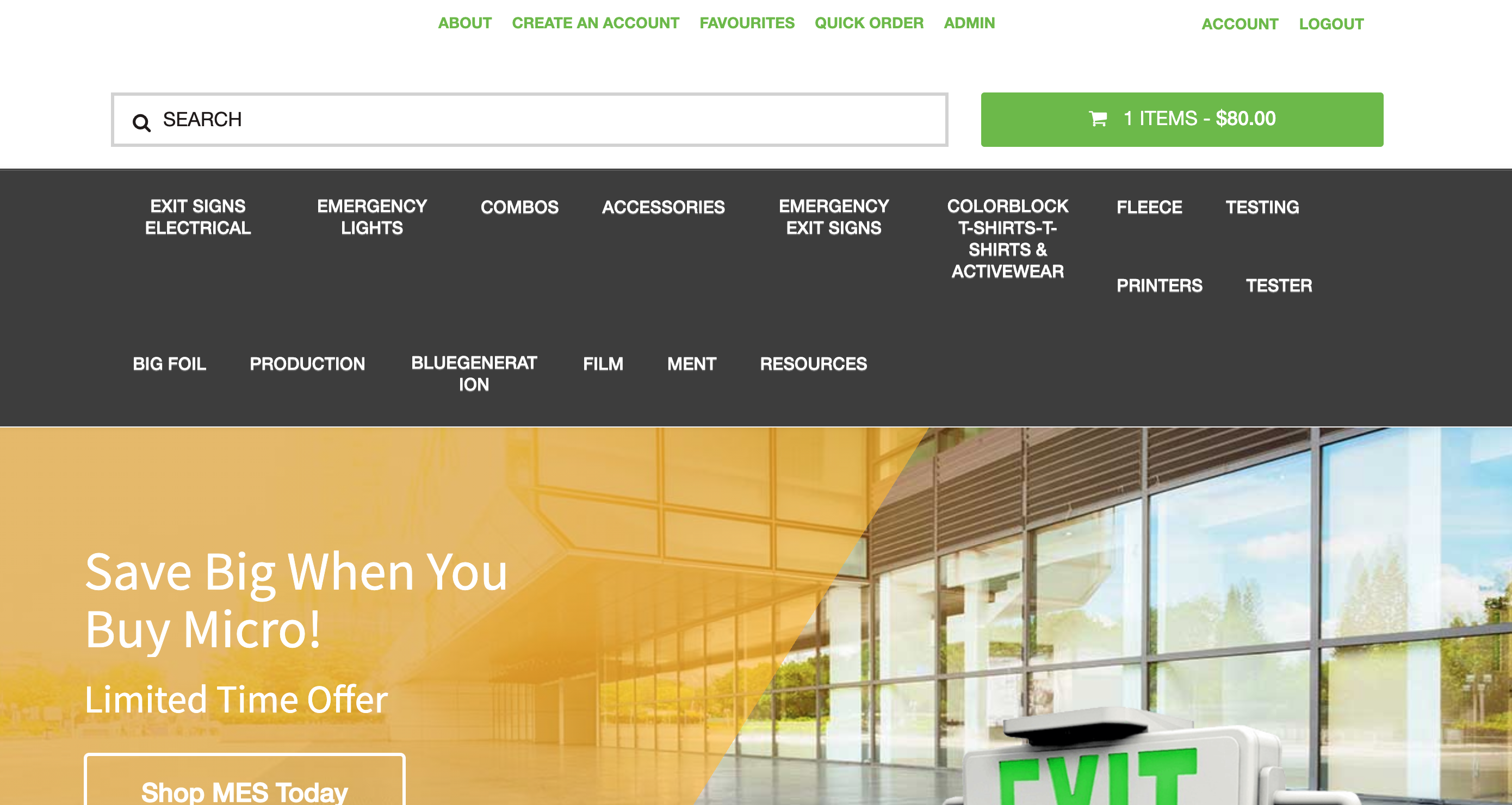
a. If set to Home then on login it will redirect to Home page.

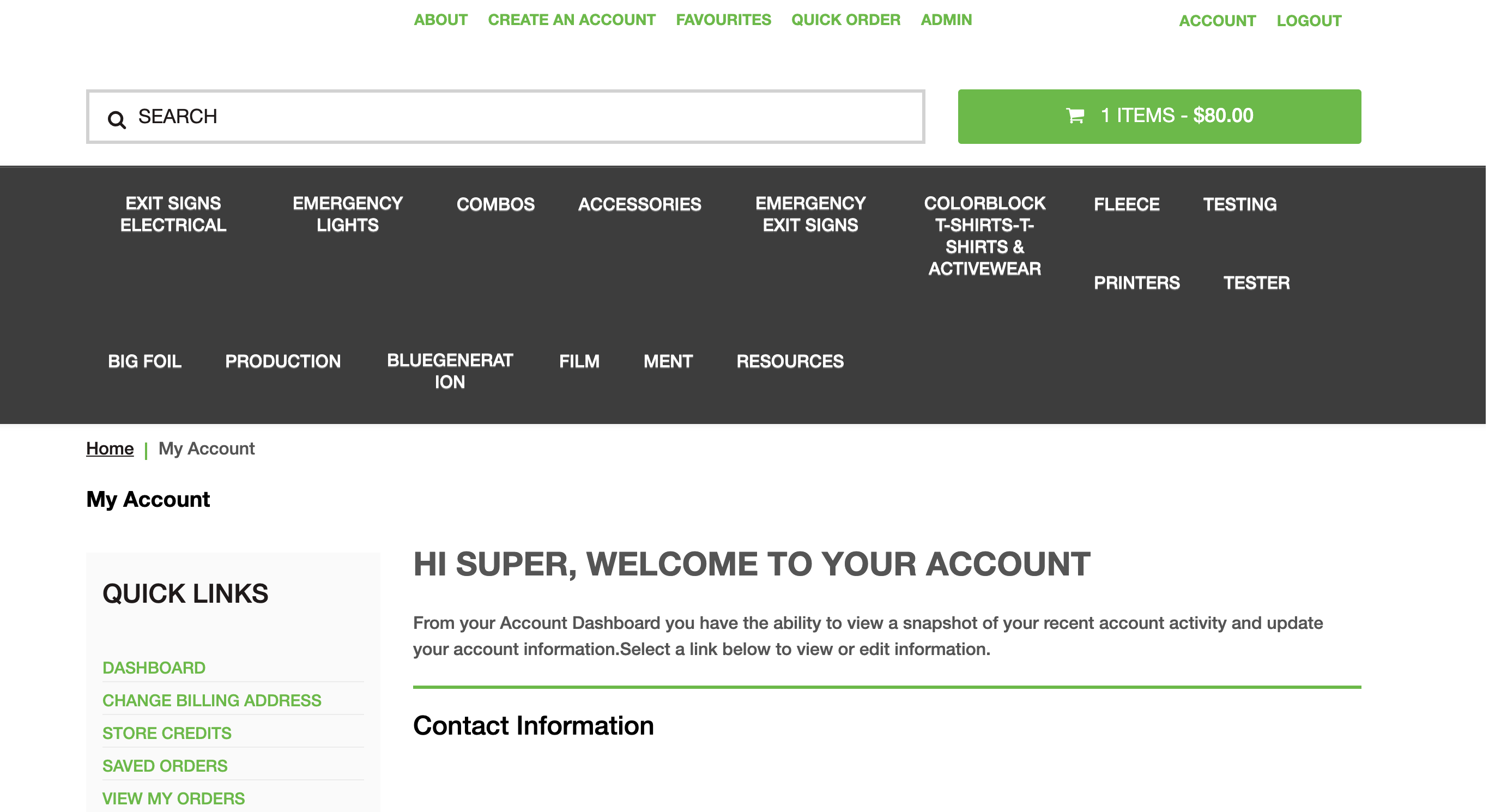
b. If set to LastVisited, then it will redirect users to their last visited page.

c. If set to HomeBasket then it will redirect users to basket page on login, if items exist in the basket,
if not them will be redirected to the homepage

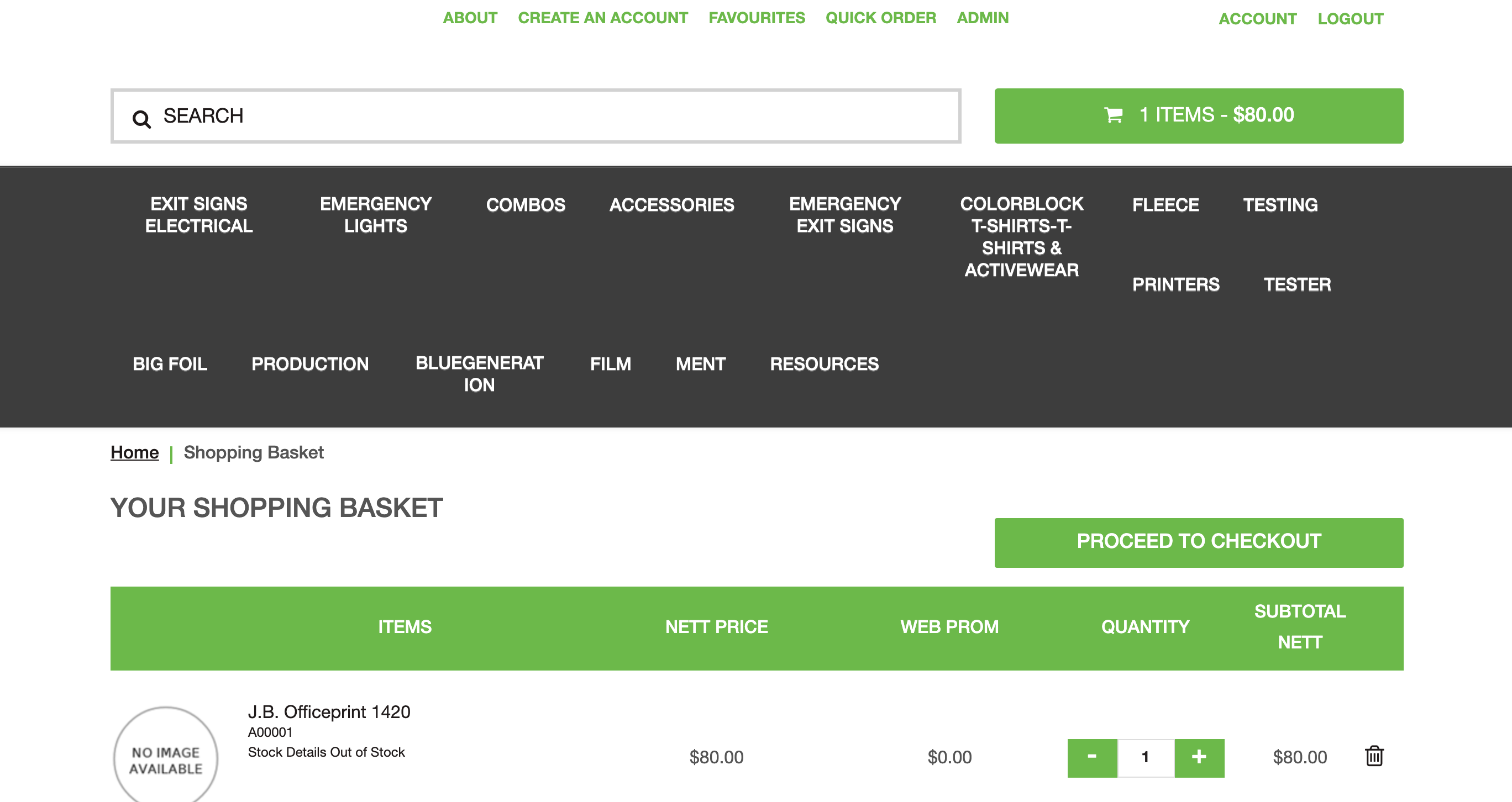
If you set the config HomeBasket then you will see this page